NightCoop guide
Install NightCoop with Vortex
Last checked: 2026-11-04 · Official version: v0.2.0-beta (2026-11-02) · Protocol 164 · Free · Windows 10/11 64-bit · Up to 8 players · RED4ext only (no CET) · Phantom Liberty not required
Vortex can install the official zip, but only after you already have the file from nightcoop.net. Purge an older deployment first, install from file, deploy, and then check that the plugin landed in red4ext\plugins\NightCoop.
- Point Vortex at a detected Cyberpunk 2077 install and purge old deployments so two managers are not writing the same folders.
- Download the zip that matches game 2.5 or 2.31 from the project’s download page.
- In Vortex, use Mods → Install from File, or drop the zip on the mods drop zone. There is no Nexus download button for this archive.
- Deploy. The archive contains bin and red4ext, and those folders need to end up at the game root.
- Confirm the plugin file is on disk, then start the game and open Co-op.
When to skip Vortex
If NightCoop is the only mod you want, the manual unpack on the install page is the path the project wrote down. Switching between a manual copy and a Vortex deploy overwrites the same folders. That is how Vortex deployment works, not a NightCoop-only rule. Status for this page: 2 sources (Vortex docs + 1 video).
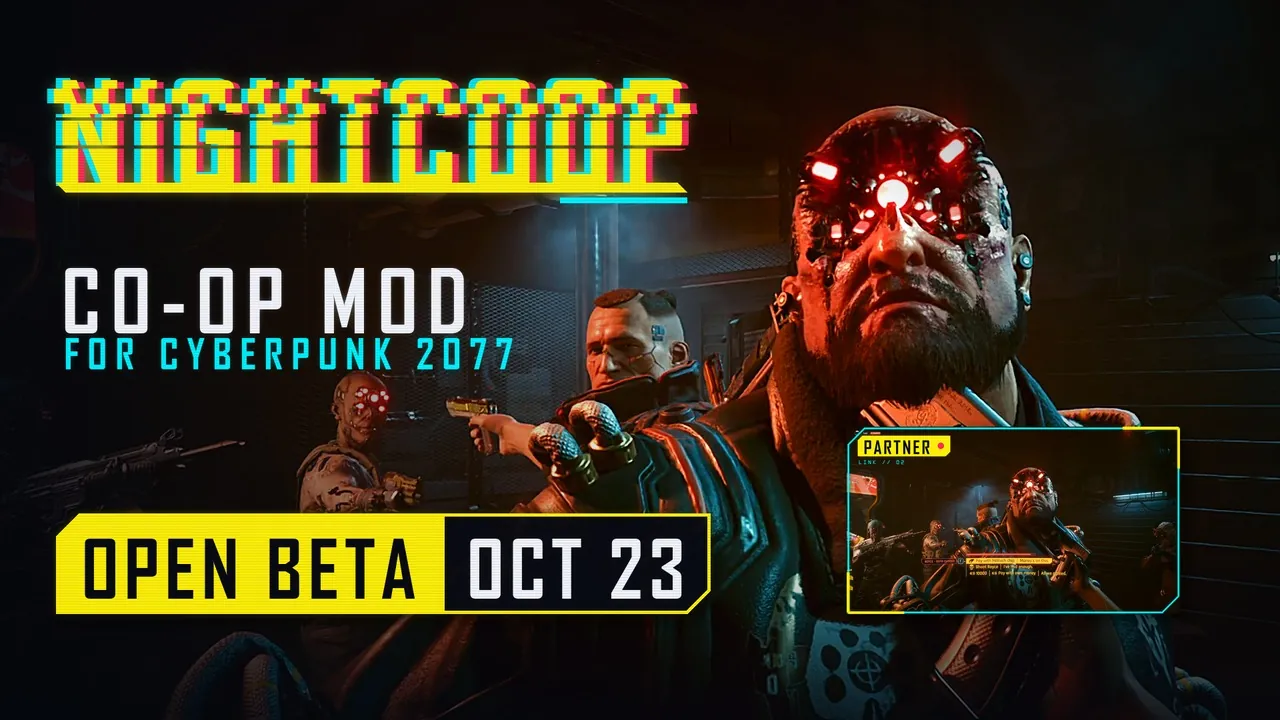
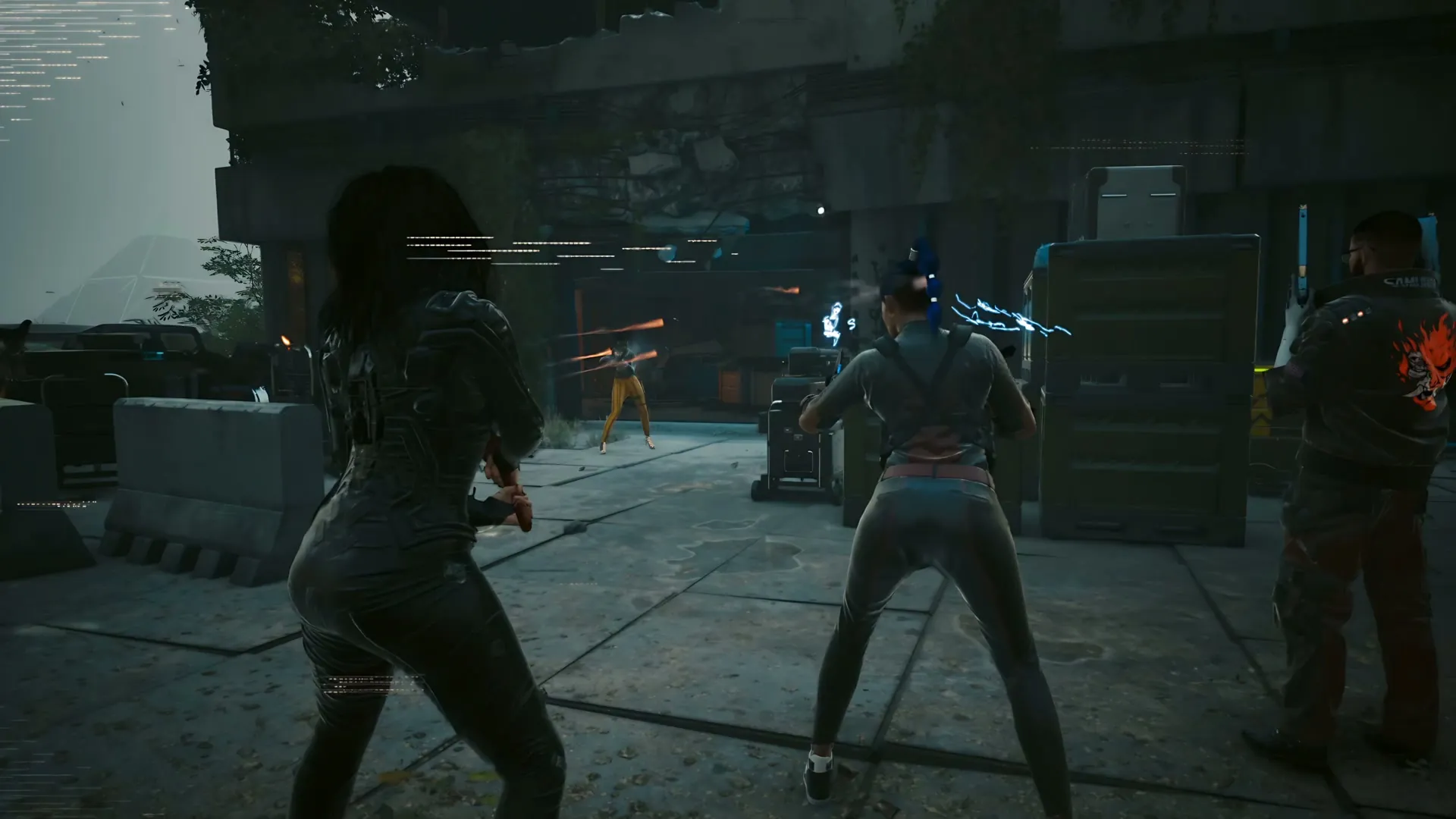
Video
ItsHux walks through a Vortex install. On 4 November 2026 the public view count was 27,190. The description says game 2.5 and 2.31 both work, with up to 8 players.
Questions
Is there a Mod Manager Download button?
No. NightCoop is not published as a Nexus mod page, so Vortex has nothing to pull. Use Install from File or the drop zone.
Does the project tell you to use Vortex?
The project’s own guides only describe unpacking the zip. Vortex is a community path.
Sources
- NightCoop guides — checked 2026-11-04
- ItsHux Vortex walkthrough — checked 2026-11-04
- Vortex wiki: install from file — checked 2026-11-04