NightCoop guide
How to install NightCoop
Last checked: 2026-11-04 · Official version: v0.2.0-beta (2026-11-02) · Protocol 164 · Free · Windows 10/11 64-bit · Up to 8 players · RED4ext only (no CET) · Phantom Liberty not required
Unpack the whole NightCoop archive into the Cyberpunk 2077 folder and allow it to replace bin and red4ext. Then start the game and open Co-op on the main menu. You do not install RED4ext as a second download.
- Download the zip that matches your game version, 2.5 or 2.31. The loader license is red4ext\LICENSE.txt.
- Extract the whole archive into the game root. On Steam that is usually steamapps\common\Cyberpunk 2077. GOG Galaxy and Epic have their own “show folder” actions.
- Confirm Cyberpunk 2077\red4ext\plugins\NightCoop\NightCoop.dll exists. A missing Co-op menu item means the plugin did not load.
- Before the first session, back up %USERPROFILE%\Saved Games\CD Projekt Red\Cyberpunk 2077, which is the path the guides recommend.
Updating and removing
To update, replace the whole red4ext\plugins\NightCoop folder. Do not leave old files beside the new ones. You can keep servers.txt. To uninstall, delete that same folder. The save folder is separate.
2.5 and 2.31 are different zips from 0.1.2 onward
v0.2.0-beta and v0.1.2-beta each ship two archives. v0.1.1-beta.2 and v0.1.0-beta.1 were a single archive for both game patches. Do not describe every release as “always two files.”
A different path if you already deploy mods with Vortex.
First sessionHost a lobby and send the invite after the menu item appears.
RequirementsWhich loader version is inside which zip.
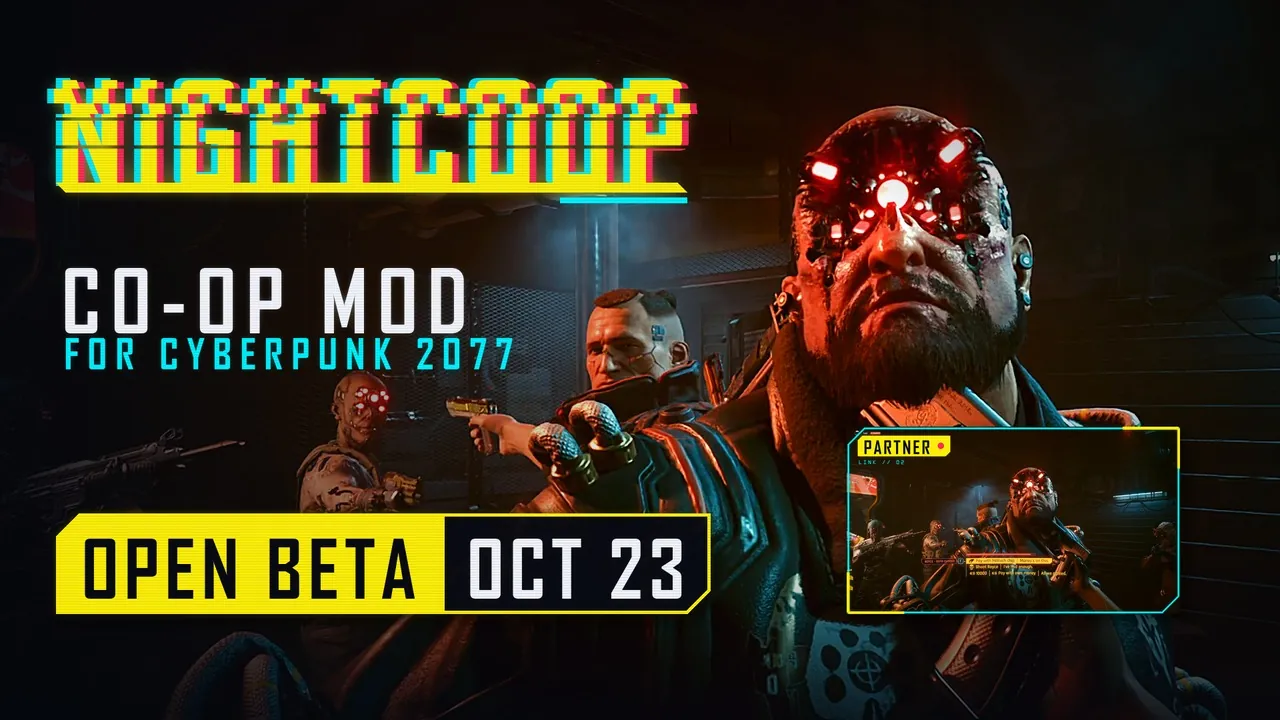
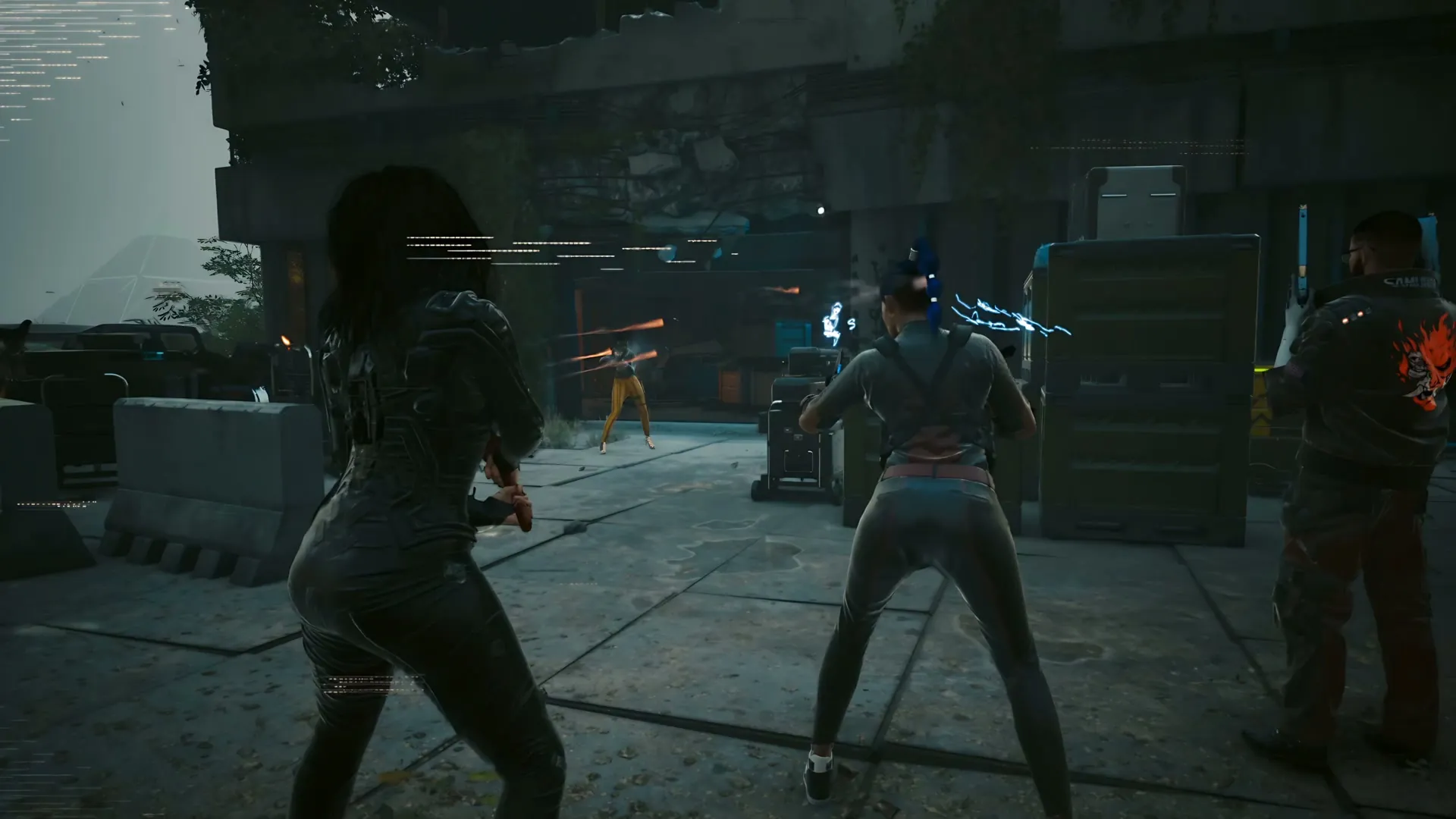
Video
A 115-second community install video. The description names the save backup path and matching builds. View count on 4 November 2026: 84,040.
Questions
Why is there no Co-op item?
The plugin is usually one folder too deep, or the game version is not on the build’s support list, so the loader skips it. Read red4ext\logs.
How do I remove it?
Delete red4ext\plugins\NightCoop. The guides say saves stay where they are.
Sources
- NightCoop guides — checked 2026-11-04
- NightCoop download page — checked 2026-11-04
- KitsuneGuide install video — checked 2026-11-04
- NightCoop home — checked 2026-11-04